


A document reader that opens in under a second and never nags you to upgrade is rare, and that gap is where Sumatra PDF lives. It is a free, open source PDF reader and e-book viewer built for Windows, designed to load a file fast and get out of the way rather than compete with Acrobat’s editing suite. Beyond PDF it opens EPUB, MOBI, comic archives, DjVu, XPS, and CHM files from the same small window. The real question before you download it is not whether it can replace Adobe Acrobat Reader, but whether you ever needed everything Acrobat adds in the first place.
Why download Sumatra PDF instead of Adobe Acrobat Reader?
The plainest answer is size and speed: Adobe Acrobat Reader is a heavy install that takes a couple of seconds to open a file, while Sumatra PDF is a tiny download that opens the same document in a fraction of that time. It was built by independent developer Krzysztof Kowalczyk specifically to avoid that overhead, and the project has stayed active, with recent releases adding a translation panel, read-aloud text-to-speech, and finer toolbar and theme controls. The tradeoff is real: Sumatra PDF skips form filling with JavaScript, certificate-based signing, and the workflow tools Acrobat Pro users rely on. If your PDFs are things you read rather than fill out and route for approval, that gap rarely matters.
Seven document formats in one lightweight window
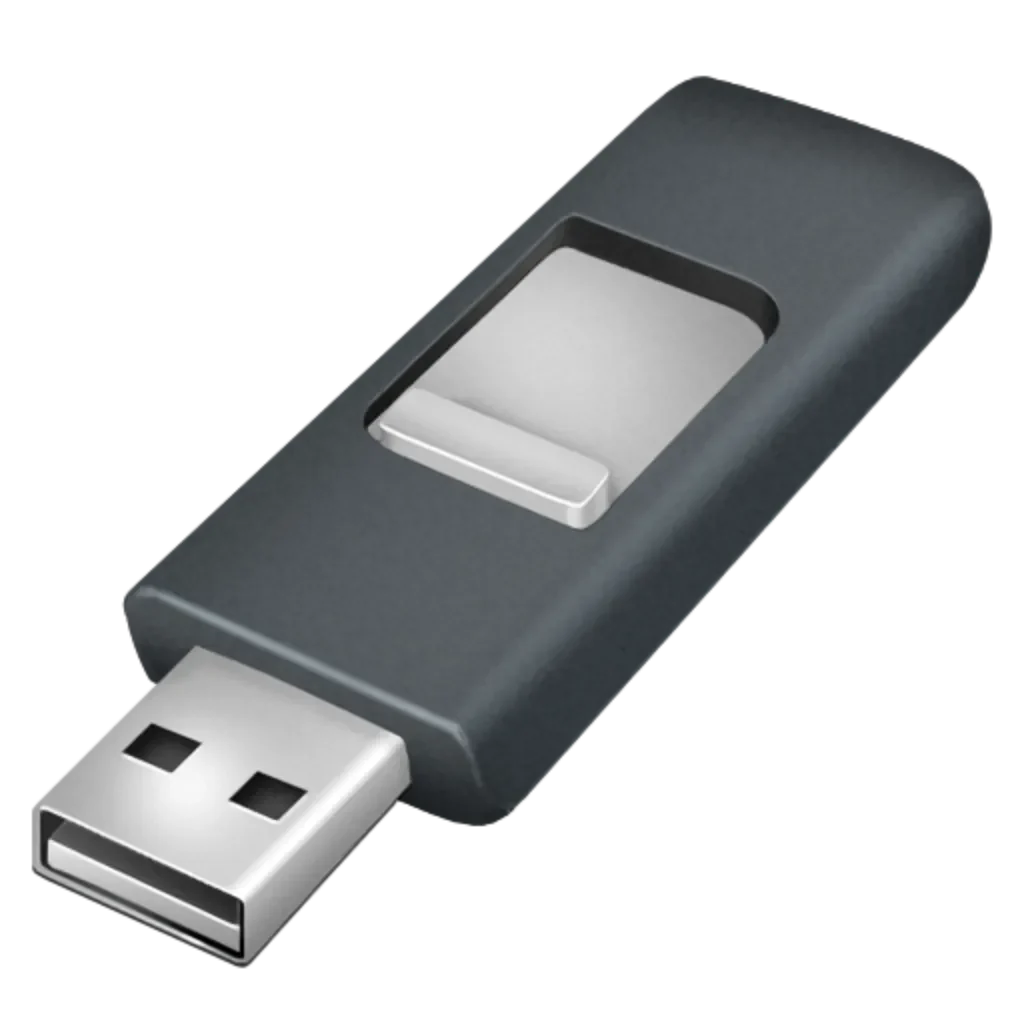
Sumatra PDF’s format list is unusually wide for something this small: PDF, EPUB and MOBI e-books, CBZ and CBR comic archives, DjVu, XPS, and CHM help files all open in the same interface, with image files and Markdown documents added through ongoing development. Every open document gets its own tab, so switching between a manual and a contract does not mean juggling separate windows. A portable build runs straight off a USB drive with no installation, useful for anyone reading on a machine they do not control, like a work laptop or a shared library computer. Annotation tools let you mark up text, underline, add strikeout, and drop freehand notes, with a customizable toolbar, keyboard shortcuts, and light or dark themes. Missing is anything resembling a document editor: no way to rearrange pages, add form fields, or redact text.
Sumatra PDF versus Foxit Reader, PDF-XChange, and Adobe Acrobat Reader
Foxit Reader is the closest match: also free and lighter than Adobe, it adds form filling and basic commenting that Sumatra PDF skips, at the cost of a heavier install and prompts toward its paid editor. PDF-XChange Editor goes further, with genuine PDF editing and OCR built in, but it is a denser application that takes real time to learn. Adobe Acrobat Reader remains the default most offices assume, with the only tight integration into Adobe’s own e-signing and cloud tools, at the cost of the heaviest install and the most frequent upgrade prompts of the group.
None beats Sumatra PDF on speed or format range; what they add instead is the editing depth it deliberately leaves out. Readers who only open and read files are better served here; anyone who fills forms or signs documents should pick one of the other three.
Startup speed and memory use that barely register
Sumatra PDF’s whole pitch rests on this section, and it holds up in practice: opening even a large, image-heavy PDF takes well under a second on ordinary hardware, and the app barely shows up in Task Manager while idle. It renders pages using the MuPDF engine, which the project keeps updated, and there is no background update service or telemetry process running between sessions the way Acrobat’s installer leaves behind. Scrolling and zooming stay smooth even in continuous multi-page view. The one place performance dips is large comic archives or DjVu files packed with hundreds of high-resolution images, where load time stretches noticeably longer than a plain text-heavy PDF.
The verdict on downloading Sumatra PDF
Download Sumatra PDF if you spend your time reading PDFs, e-books, or comic files rather than editing and signing them, and a fast, no-frills PDF reader matters more than a feature-packed ribbon. Skip it if form filling, digital signatures, or real editing are part of your workflow, since Foxit Reader, PDF-XChange, or Adobe Acrobat Reader cover that ground and Sumatra PDF deliberately does not. For everyone else who just wants a document open in under a second, it remains one of the strongest picks worth the download.