
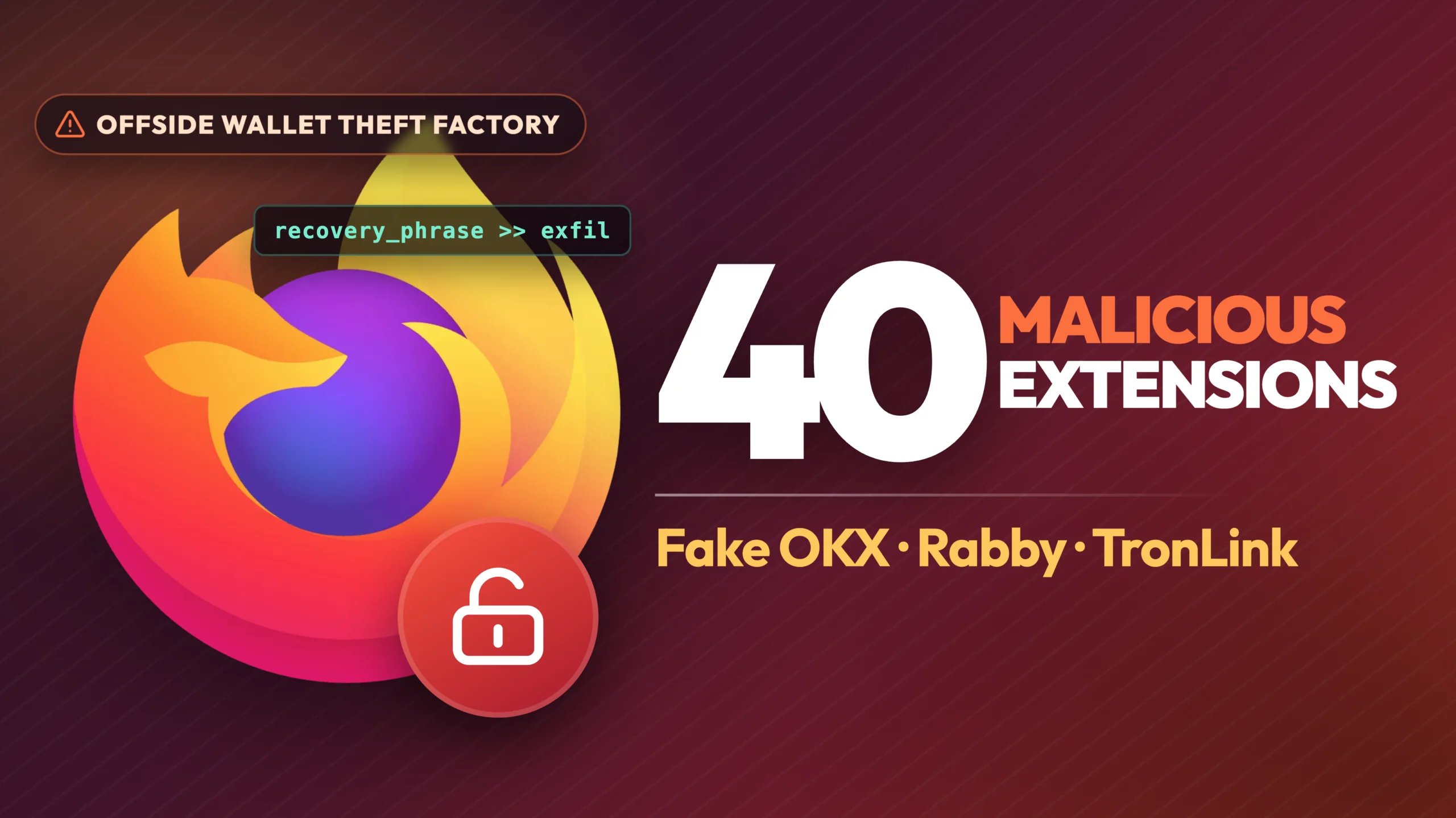
If you run Firefox and have a crypto or Web3 add-on installed, open your extensions list before you touch that wallet again. A report from Socket’s threat research team names 40 Firefox extensions built to steal recovery phrases, private keys and saved credentials.
Socket tracks 77 add-on identities in the campaign, which it calls the Offside Wallet Theft Factory. Forty are confirmed malicious. The other 37 are sports score apps dressed up as unrelated utilities, with no theft code in the builds Socket analysed, so they count as deceptive rather than dangerous. The operation has been running since at least March, and several extensions were still live on the Firefox add-ons store when the researchers reported them.
The fakes copy OKX, Rabby Wallet and TronLink, and several pass a glance because the names avoid ordinary letters. One used a zero in place of the O in OKX. Others swap lookalike characters into the middle of a word.
Four methods appear across the confirmed 40. Fifteen extensions carry a fake wallet screen inside the package and send whatever you type into it to a Cloudflare Worker. Thirteen are modified Rabby builds that copy your keyring out over plain HTTP before the wallet encrypts it locally, while the wallet keeps behaving normally. Five ignore wallets entirely and collect saved credentials and clipboard contents to a hardcoded server.
The remaining seven contain no theft code at all. They ship a working notepad and a lookup to a database the attacker controls. When the attacker writes a URL into that database, the extension loads it as a phishing page inside its own popup. When the attacker clears it, the notepad comes back. One value in a cloud database flips a signed, already installed extension between harmless and hostile, with no update and no second review.
That is also why the usual advice falls apart here. The fake OKX loader asked for two permissions, storage and tabs. Nothing about cookies, browsing history or every site you visit. A short permission list counts for little when the plan is to show you a page and let you type the secret yourself. Version history is the other blind spot. Socket found nine add-on IDs that once shipped football, basketball or NBA score apps before a later version under the same ID turned into wallet malware. The extension you checked last year is not necessarily the extension running now.
Socket has not attributed the campaign to anyone and says the evidence does not prove one actor runs all 77 identities. It reported the still-live extensions to Mozilla, which it says pulled the fake OKX listing. We found no public statement from Mozilla on this campaign, no second team has repeated the analysis, and there is no figure yet for how many people installed the add-ons or how much was taken.
Check your own add-ons list
This is the third wave of wallet malware to reach the Firefox store in around a year, and the economics have not changed: one successful install is worth more than the cost of publishing disposable extensions over and over. Socket expects the next round to lean harder on delayed activation and on functionality split across several components, the part a reviewer cannot see at submission time. Firefox itself was not compromised, and the browser is still safe to install and update from our Firefox download page. The add-ons store is the weak point. If you are choosing a browser on privacy grounds, our Brave, Firefox and Opera comparison covers what the browser itself does. Add-ons are a separate question.


