
TeamViewer’s cheapest paid plan costs $24.90 a month, billed yearly. AnyDesk’s cheapest paid plan costs $28.90. If a few AnyDesk vs TeamViewer roundups convinced you that AnyDesk is the budget option and TeamViewer is the expensive one, that reputation has not kept up with either company’s own pricing page. Check both today and the entry tiers sit four dollars apart, with TeamViewer on the cheaper side, and every tier above that lands within a dollar of its counterpart. Price is not the real decision here anymore. What still separates AnyDesk from TeamViewer is who each one was actually built for, and which annoyances you are willing to live with.
What each one actually is
Both tools do the same basic job: let you see and control a computer that is not in front of you. AnyDesk launched in 2014, built around a proprietary low-latency codec, and has leaned on speed as its identity ever since. You type a numeric ID, the other side accepts, and you are in, with a client light enough to run without installation.
TeamViewer has been running since 2005 and set out to be the wider platform. Beyond screen control it packs session recording into every paid tier, phone-based technical support, a Google Meet integration, and an add-on for augmented-reality troubleshooting where a technician draws directly on what a customer’s camera sees. It also supports more device and OS combinations out of the box, which matters if your desk fields tickets from whatever hardware a customer happens to own rather than a fixed fleet.
This comes down to four things, in the order that actually decides it: price, raw speed and simplicity, feature depth and device reach, and how each company behaves once you’ve already paid. Here is how AnyDesk and TeamViewer stack up on each.
Price: the reputation lags reality
Line up the official plans and the pattern holds at nearly every tier:
Both companies bill annually only, with no month-to-month option, and both auto-renew unless you cancel ahead of the term, a policy that shows up as one of the most repeated complaints against each of them on review sites.
The free tiers are also more alike than the reputation suggests. AnyDesk’s free version and TeamViewer’s free version are both genuinely free, and both are restricted to personal, non-commercial use, with automated detection that can lock you out if either company suspects you are running client support through it. Neither one sells a real free tier for business use. That part of the AnyDesk-is-cheap story just hasn’t caught up with either company’s current pricing page.
The two companies also price differently once you look past the sticker number. AnyDesk licenses mainly by concurrent connections: one Solo license covers one simultaneous session no matter how many devices you have registered to it. TeamViewer licenses by a mix of licensed users, concurrent connections, and managed devices, which is why its Business plan advertises 200 managed devices up front while AnyDesk’s equivalent Standard plan leads with connection count instead. If your team mostly does one-off support sessions, count connections. If your team is centrally managing a fixed fleet of machines, count managed devices, and read both companies’ fine print before assuming the cheaper-looking number covers what you actually need.
Here is the full side-by-side for quick reference:
| Category | AnyDesk | TeamViewer |
|---|---|---|
| Developer | AnyDesk Software GmbH | TeamViewer SE |
| Launched | 2014 | 2005 |
| Entry plan | $28.90/mo (Solo) | $24.90/mo (Remote Access) |
| Mid plan | $49.90/mo (Standard) | $50.90/mo (Business) |
| Upper plan | $111.90/mo (Advanced) | $112.90/mo (Premium) |
| Top published plan | Custom quote (Ultimate) | $229.90/mo (Corporate), then custom (Tensor) |
| Free tier | Personal, non-commercial use only | Personal, non-commercial use only |
| Billing | Annual only | Annual only |
| Session recording | All paid tiers | All paid tiers |
| Phone support | Advanced tier and up | Business tier and up |
| On-premises option | Yes, Ultimate tier | Not published |
| Platforms | Windows, macOS, Linux, iOS, Android | Windows, macOS, Linux, iOS, Android, web |
Speed and simplicity
Speed is where AnyDesk earns its reputation honestly. People who use both tools for actual support work consistently rate AnyDesk’s session responsiveness higher, especially over a weak connection, which is the exact situation remote support usually happens in. The client installs in seconds, and the numeric-ID model means you can walk a non-technical person through a connection over the phone without much explaining.
TeamViewer is not slow once a session is running, but it asks more of the first five minutes: a heavier install, an account sign-in, and extra menus before you reach the actual connection screen. For a one-off session with someone who has never used either tool, that gap is the whole experience.
Only the person who starts an AnyDesk session needs a paid license. Everyone AnyDesk connects out to stays free, on any AnyDesk plan, which keeps the cost fixed to your team size rather than to how many client machines you touch in a month. The Solo plan is honest about its own limit too. It is capped at one connection and marked as not scalable right on the pricing page, so a freelancer who might grow into a two-person shop next year should start on Standard instead of Solo.
The extras built into every AnyDesk tier, including free, add up for anyone doing hands-on IT work: TCP tunneling for forwarding a port through a session, wake-on-LAN for powering on a sleeping machine remotely, and remote printing so a document opened on the far end can come out of a printer sitting next to you. None of those need a separate add-on purchase to unlock at the tiers where AnyDesk lists them, which is not something every remote-desktop tool can say.
Feature depth and device reach
TeamViewer’s advantage is depth once a team gets past one user. Session recording, custom branding, and a command-line interface all show up earlier in TeamViewer’s tier structure than in AnyDesk’s, and phone-based support is included from the Business plan rather than reserved for the top tier.
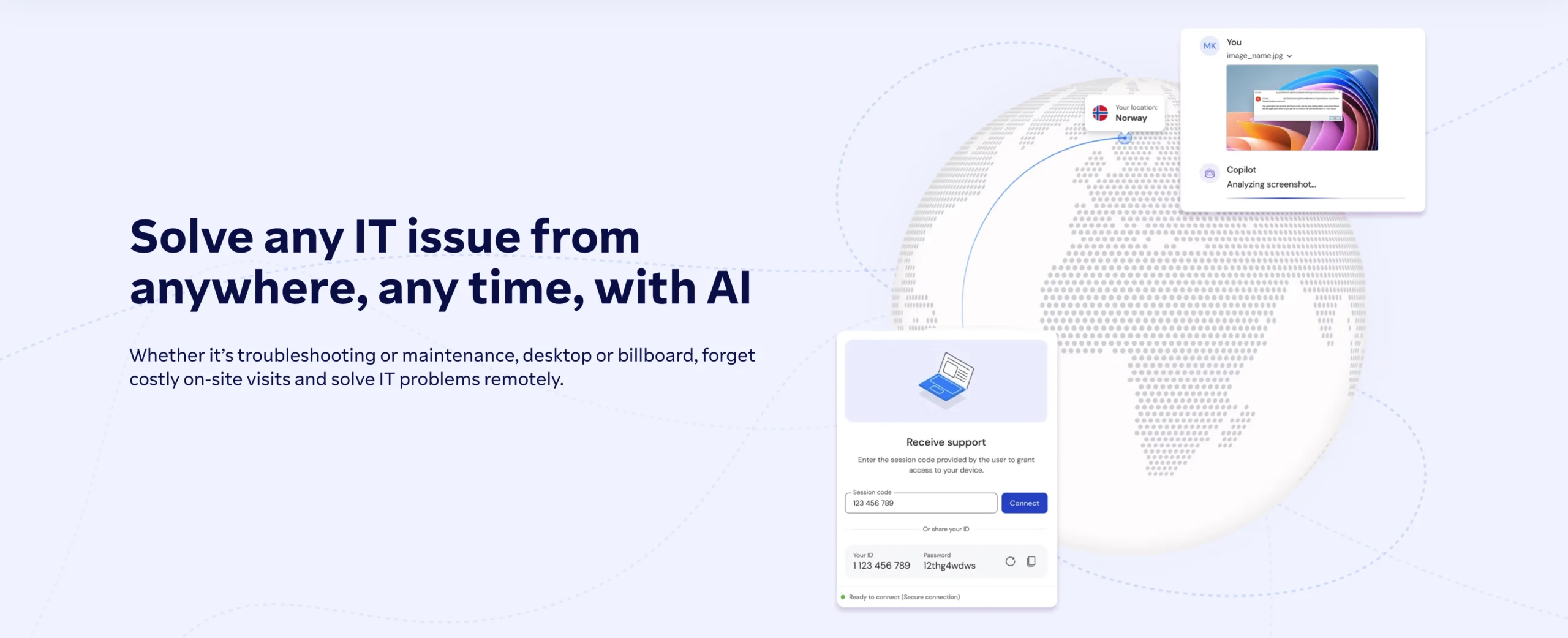
Device compatibility is the other real edge. If a support desk fields tickets from whatever laptop, tablet, or point-of-sale terminal a customer happens to own, TeamViewer’s wider platform coverage means fewer dead ends. The Google Meet integration and the AR-assisted troubleshooting add-on genuinely help teams doing visual, hands-on support rather than pure screen takeover.
Security baseline is one place they genuinely match: both run AES-256 encryption on the connection and both offer two-factor authentication on paid accounts. Where they split is deployment. AnyDesk offers a fully on-premises option at its top tier for organizations that cannot let a session ever touch a third-party cloud, a route TeamViewer does not publish as clearly on its own pricing pages.
Past roughly twenty seats, TeamViewer’s Tensor tier adds single sign-on and conditional access controls that AnyDesk only starts offering at its own custom Ultimate tier, and TeamViewer’s admin console has a longer track record inside large IT departments. Two decades in enterprise IT means TeamViewer’s integrations catalog, its reporting on incoming and outgoing connections, and its mass-deployment tooling via MSI packages have all been shaped by large-scale rollouts most competitors never get asked to handle. AnyDesk has narrowed the gap with its own Salesforce and Freshworks add-ons at the Ultimate tier, but out of the box its feature list still reads shorter than TeamViewer’s.
Reliability and billing honesty
Neither company escapes its own reviews clean. AnyDesk users repeatedly report connection lag and instability during high-data-transfer sessions, along with trouble reconnecting after a drop, patterns that show up across separate review platforms rather than as one-off complaints. TeamViewer users repeatedly flag a different problem: the advertised price is not the real price, since mobile device support and extra concurrent connections are sold as add-ons that can add a meaningful amount to what looked like a fixed monthly cost.
Both companies also share a billing complaint worth weighing before you sign an annual contract with either: automatic renewal at a higher price than you started at, with refund requests that support teams on both sides have been known to push back on. Better Business Bureau filings against AnyDesk specifically call out this pattern, with customers describing refund denials even inside the stated policy window, which is worth reading before you hand over a card for a multi-year term.
Quick read: pick AnyDesk if you are a solo user, a freelancer, or a small team where speed and a simple flat license matter most. Pick TeamViewer once you are supporting a wider mix of devices, need phone support included from an earlier tier, or expect to grow past twenty seats and eventually want single sign-on.
Verdict: which one should you pick
Weigh the four criteria together and there is no single winner, and pretending otherwise would be dishonest given how close the pricing actually is. For a solo consultant, a freelancer doing occasional remote support, or a small team of two or three that just needs to jump into a client’s machine and fix something fast, AnyDesk is the better buy. It wins on price at entry, it wins on speed, and the license structure stays predictable as you add client sessions.
For a support desk that fields tickets across a wide range of devices, wants phone support built into the plan instead of held back for the top tier, or is already planning to scale past twenty licensed users, TeamViewer is worth the extra setup weight. It wins on feature depth and device reach, and the admin tooling pays for itself once a team gets past the size where one person can manage every connection by hand.
There is a middle case worth naming too: a small IT shop supporting a genuinely mixed fleet of customer hardware, where the tickets are unpredictable and the device count matters more than raw connection speed. That reader should lean TeamViewer even at a small team size, because the wider compatibility and the phone support saves more time over a year than AnyDesk’s speed edge does on any single session.
Watch the tier you are actually about to commit to, not just the plan name. Both companies change these lineups without much notice, so the number a roundup quoted a while back may already be wrong, and most of the comparisons ranking for this search still haven’t caught up. For most Softoto readers, that makes AnyDesk’s page the safer place to start. If you already know you are the wider-fleet, phone-support-needing kind of buyer, go straight to TeamViewer’s page instead, and reread the renewal terms before the annual term locks you in.