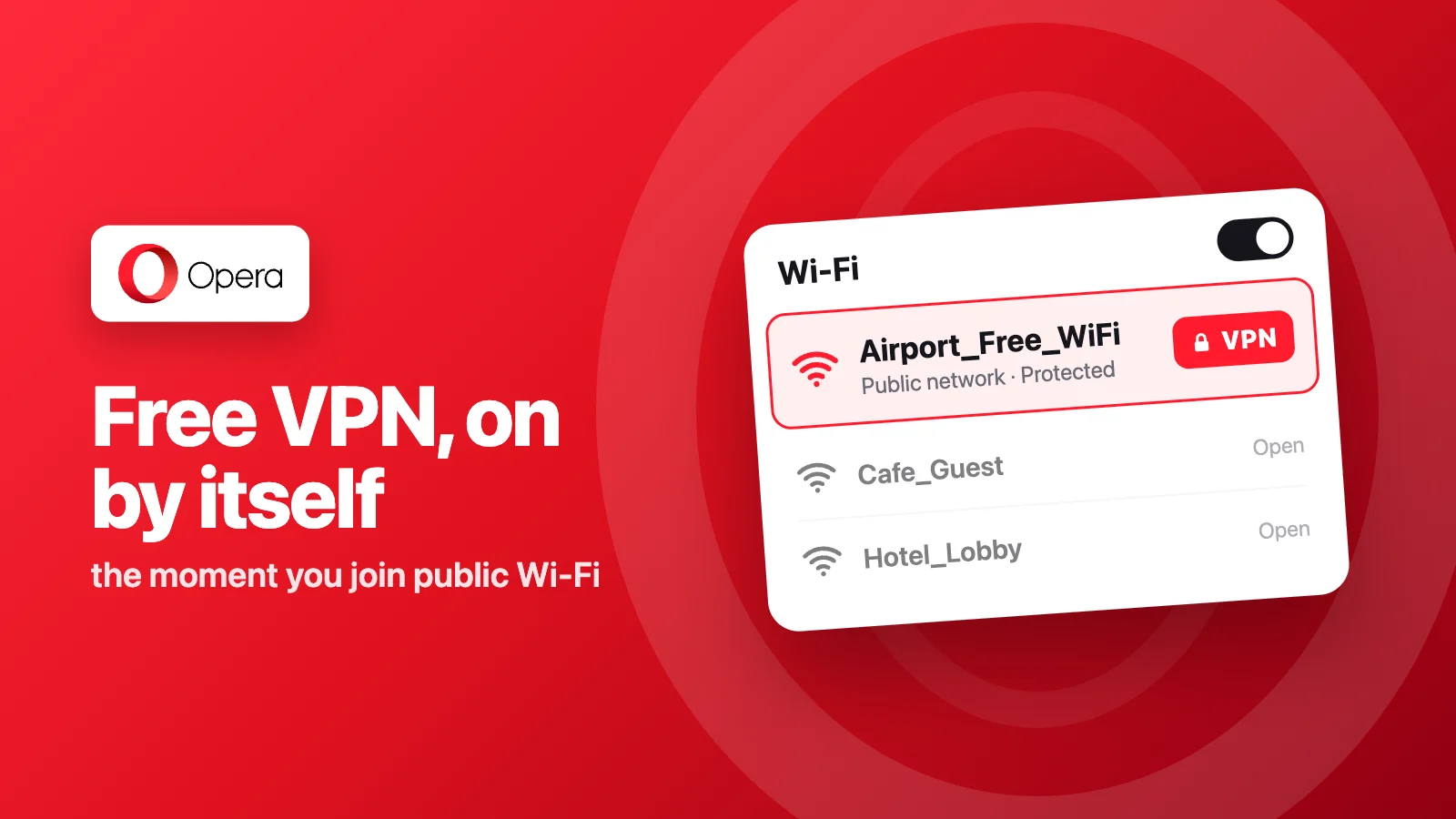
77 percent of internet users go without VPN protection, according to Opera’s own figures. On September 24, 2026, Opera said it is closing that gap with a new setting: its free, built-in VPN can now switch itself on the moment it detects a public or unsecured Wi-Fi network (Opera Newsroom).
The VPN itself isn’t new. Opera has offered a free, unlimited, no-account VPN inside its browser since 2016, the first mainstream browser to build one in. What changed on September 24 is the trigger: instead of remembering to flip the VPN toggle at a coffee shop or an airport gate, users can now let Opera watch the network and turn the protection on by itself.
That word “automatically” comes with a catch most of the early coverage let slide. The feature is off by default. To turn it on, open Settings, go to VPN, and enable “Always use VPN on Public WiFi.” Only after that switch is flipped does Opera start watching for network changes on its own, and it can be turned back off the same way. PiunikaWeb was the outlet that called this out directly, describing the launch as part of “Opera’s broader pattern of offering useful features that remain hidden until users discover and enable them independently.”
The rollout is narrow for now. Opera is shipping the feature to desktop only, starting in the United States and France, with “more regions to follow” and no date attached to that promise. Neither Opera GX nor Opera’s mobile browsers were mentioned in the announcement.
Arjan van Leeuwen, Opera’s Head of Opera One Engineering, tied the update back to the company’s original pitch for the VPN nearly a decade ago: “From the very start, all the way back in 2016, we believed that online privacy should be effortless and straightforward, especially when connecting to public networks while out and about.” Opera hasn’t said how the browser tells a public network from a private one, only that the check itself isn’t tracking or logging which networks a user connects to.
There’s a scope limit worth knowing before relying on it, too. Opera’s VPN runs inside the browser rather than at the operating system level, so it only protects traffic passing through Opera itself. Other apps, and any other browser open on the same laptop, stay exposed on that same public network. On the privacy side, a 2024 audit by Deloitte found no logging in the free VPN, though that review excluded the paid VPN Pro tier and Opera’s own separate browser telemetry (TechRadar).
Still, no other major browser matches this for free. Chrome and Safari ship no VPN at all, and Brave’s version is a paid third-party add-on. For anyone already using Opera, that gap is most of the pitch.
Should you turn on Opera’s auto-VPN?
If you’re on Opera’s desktop browser, the setting is worth turning on before your next coffee shop or airport connection, but treat it as one layer, not a full replacement for a VPN. It won’t touch anything outside the browser, so other apps on the same network are still on their own. Curious how Opera compares to Firefox and Brave on privacy more broadly? Our comparison breaks down where each one actually stands.
Sources: Opera Newsroom, TechRadar, PiunikaWeb