Microsoft raised commercial Microsoft 365 prices on July 1, 2026, with some business plans jumping as much as 43 percent, and consumer Family and Personal subscriptions had already climbed earlier in the year. Add a Copilot subscription that gets bundled into higher tiers whether you asked for it or not, and a lot of people who never questioned their Office subscription are questioning it now.
The good news: you do not need Word, Excel, and PowerPoint specifically. You need a word processor, a spreadsheet, and a way to build slides, and several free suites do all three without asking for a card number. This list is built around the actual reasons people are leaving Office, and each pick is judged against those reasons rather than a generic feature checklist.
Why people are actually leaving Microsoft Office
Three complaints show up again and again once you look past the marketing:
None of that makes Microsoft Office bad software. It is still the format everyone else gets measured against, and if your work depends on advanced Excel macros or complex Word mail merges, a free alternative may genuinely fall short. But for the writing, budgeting, and slide-building that make up most people’s actual day, the five suites below cover it for nothing.

LibreOffice is the obvious first stop, and the reason is simple: it is completely free for personal and commercial use, with no account, no ads, and no catch buried in a settings menu. The suite covers Writer, Calc, and Impress for the core three, plus Draw, Base, and Math for the extras Office charges more for. It opens and saves .docx, .xlsx, and .pptx files directly, and The Document Foundation ships it on a steady cadence, with the current stable branch at 26.2 and the next major release due later this year.
The catch is honest rather than fatal. The interface reads as a step behind Microsoft 365, and if your spreadsheets lean on advanced macros or your documents rely on complex mail merge setups, you will hit the ceiling faster than in Word or Excel. Worth knowing before you download: LibreOffice ships in two branches, Fresh (the newest features) and Still (the previous stable line, tested longer), so pick Still if you want fewer surprises.
For most home users, students, and small businesses working mainly on one machine, this solves the price problem outright and keeps enough format fidelity that nobody on the other end of an email notices the switch. Get it from the LibreOffice download page, where the build is the same one The Document Foundation ships, with nothing extra bundled in.
Google Workspace
If your actual complaint is less about price and more about editing the same document with three other people at once, Google Docs, Sheets, and Slides solve that better than any desktop suite can. The free tier is genuinely free, with no ad-supported version to dodge, and it works from any device with a browser, which matters if you move between a laptop, a tablet, and a phone during the same project.
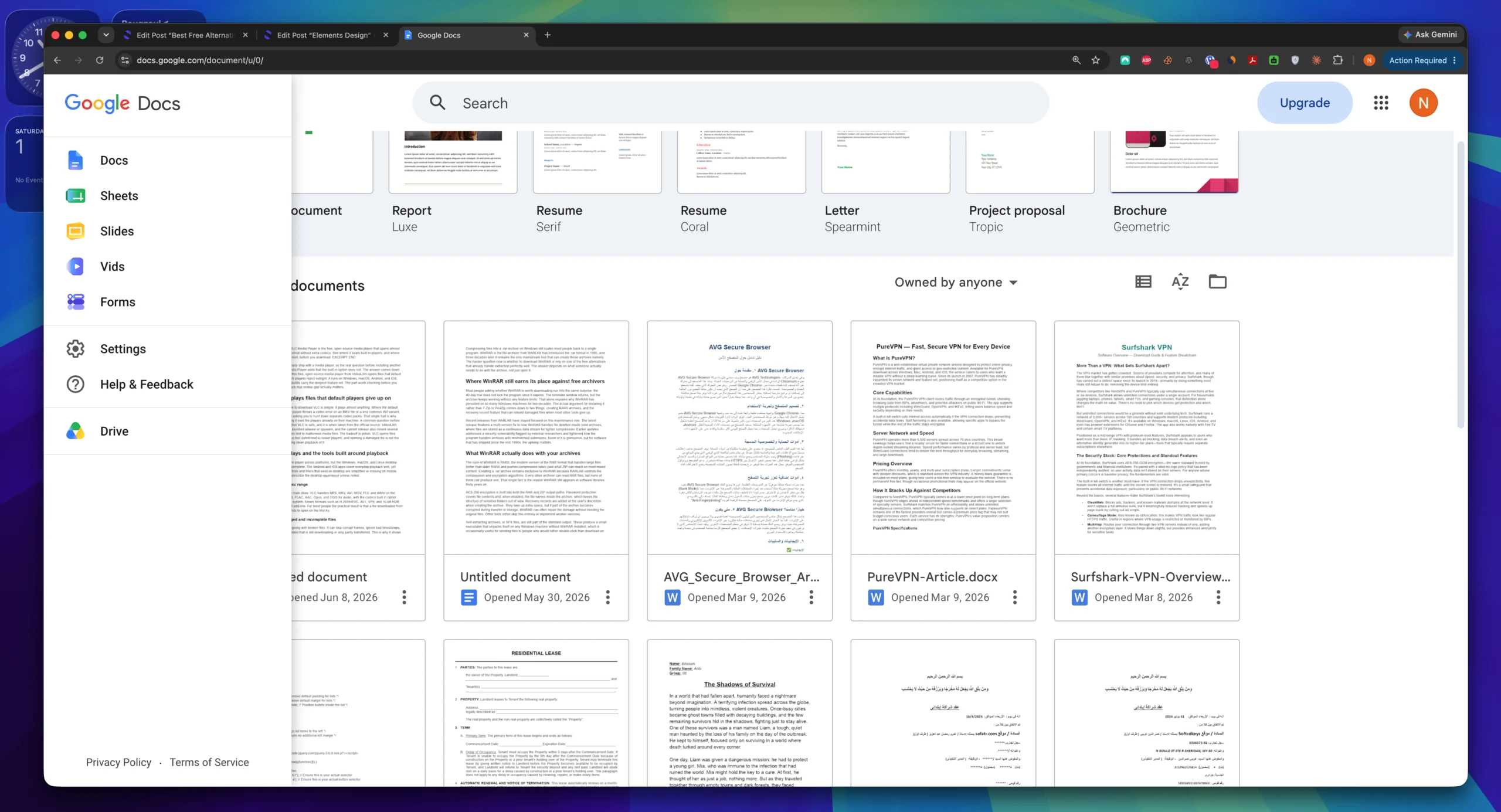
The tradeoff is real, though. Offline editing needs to be set up in advance rather than just working, and the Gemini AI features are locked behind a paid plan, so you are not escaping subscriptions entirely if that is what draws you in. It also will not match LibreOffice for deep spreadsheet formula work or desktop-grade layout control.
Pick this one if collaboration is the actual job, not an occasional nice-to-have. A shared budget spreadsheet or a document three people are editing during a call is where Google Workspace earns its place over anything installed locally.
OnlyOffice
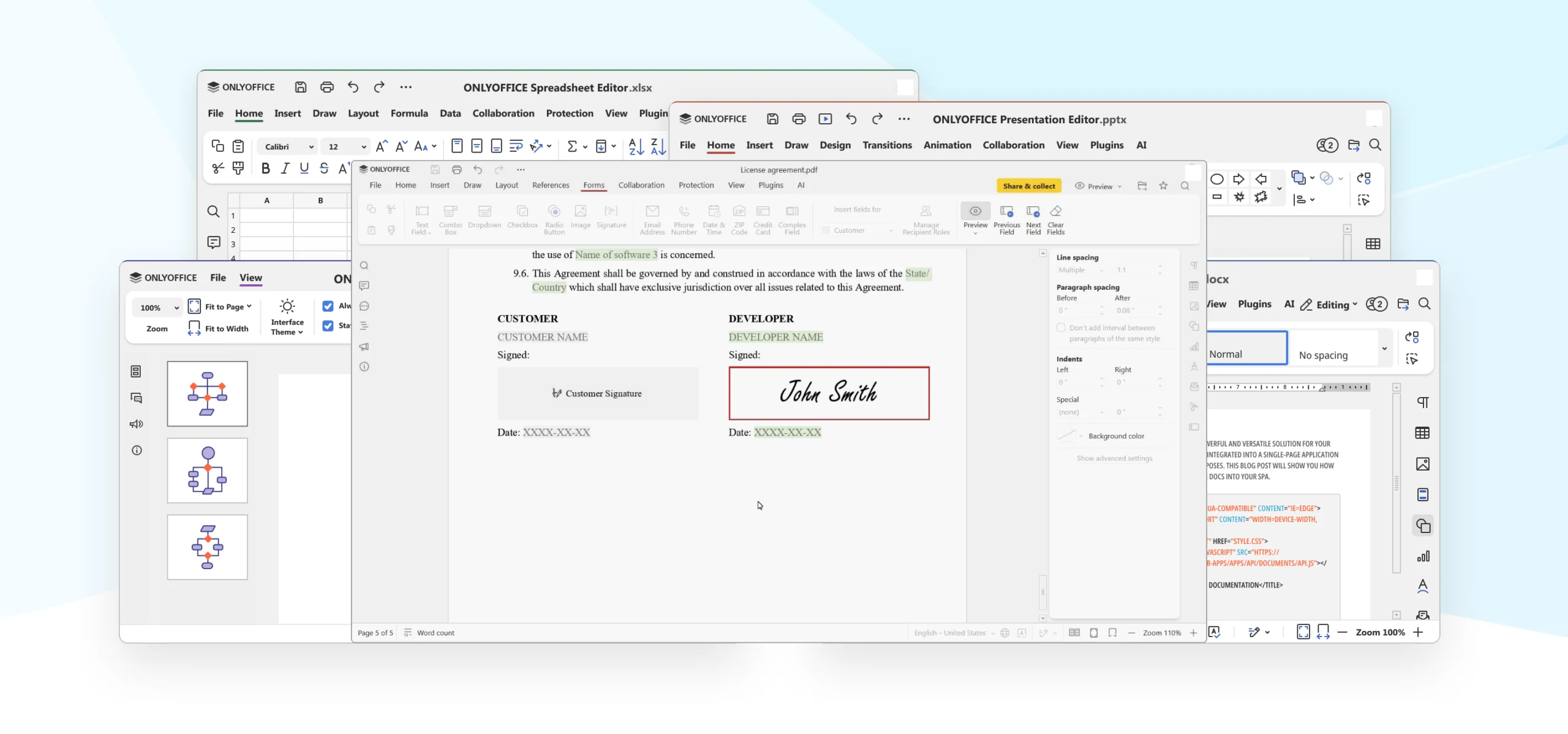
OnlyOffice is the pick people land on once file compatibility becomes the deciding factor rather than price or collaboration. The desktop editors are built specifically around preserving Microsoft’s own formatting, spacing, and layout, which is why independent reviewers keep naming it the safest option when documents move back and forth with colleagues still on Office. It is currently at version 9.4, and the 9.2 update added a built-in AI agent, though that feature is new enough that it has not been widely tested outside the release notes.
What you give up is familiarity. OnlyOffice does not have the name recognition of LibreOffice or Google, and setting it up for real-time collaboration takes more configuration than opening a Google Doc and sharing a link. As a solo desktop tool, though, it does exactly what it promises.
Choose OnlyOffice when the documents you send outward have to look identical on the other end, not just readable.
The judging criteria for this list: does it solve the subscription cost, does it work offline, and does it open Office files without breaking the formatting. Every pick below is measured against those three, not a generic feature count.

WPS Office, made by Kingsoft, is the closest free suite to the actual look and feel of classic Microsoft Office, and with over 500 million users worldwide it is well proven in the field. It comes pre-installed on a lot of Mac and iPad setups already, and if a near-zero learning curve is what you need, this is the one that delivers it.
Here is the part worth knowing before you commit to it for anything sensitive: the free tier is ad-supported, and WPS collects account, cookie, and device data through its own trackers and through third-party services including Google Analytics and Facebook Analytics, according to its own privacy policy. Several independent 2026 reviews now explicitly recommend skipping WPS for confidential documents unless you disable cloud sync, which sits under Tools, then Options, then General. The paid WPS Pro tier at 35.99 dollars a year removes the ads, and local files can be AES-256 encrypted with sync turned off, which closes most of the gap if privacy is your only concern.
WPS Office’s free tier runs ads and collects account and device data through third-party trackers. If you use it, turn off cloud sync in Tools, then Options, then General, and keep sensitive files local.
FreeOffice
FreeOffice, from SoftMaker, is the quiet option most lists mention last and most reviewers underrate. SoftMaker has built office software since 1987, and FreeOffice is unusual among free suites in that it is free for workplace use as well as home use, not just personal projects. TextMaker, PlanMaker, and Presentations are built to look and feel like classic Office, it runs on Windows, macOS, and Linux, and the touchscreen support makes it a reasonable pick on a tablet or convertible laptop.
The limit is performance rather than features: it slows down noticeably once a spreadsheet gets large or formula-heavy, which rules it out for anything data-intensive. For everyday documents on an older machine, though, it is lighter than LibreOffice and just as free.
Which one should you actually pick
If you only try one, make it LibreOffice. It costs nothing at any scale, opens Office files cleanly, and does not ask for an account or send your data anywhere. That covers most people who are leaving Microsoft Office purely because the subscription no longer feels worth it.
The other four earn their place in specific situations rather than as a default: Google Workspace when real-time collaboration is the actual job, OnlyOffice when file compatibility with Office-using colleagues has to be exact, WPS Office if the familiar interface outweighs the ad and privacy tradeoffs and you disable cloud sync, and FreeOffice on older hardware where LibreOffice starts to feel heavy.
If the familiar layout matters more than anything else on this list, grab WPS Office instead. Either way, both builds are the same ones the developers ship, with nothing added.