Can you send someone a link that opens a Word document at one exact paragraph, with no bookmark or heading set up first? As of August 17, 2026, yes: Microsoft has a staged rollout underway for a new Copy Link to Location option in Word for Windows and Mac, announced through the Microsoft 365 Insider blog.
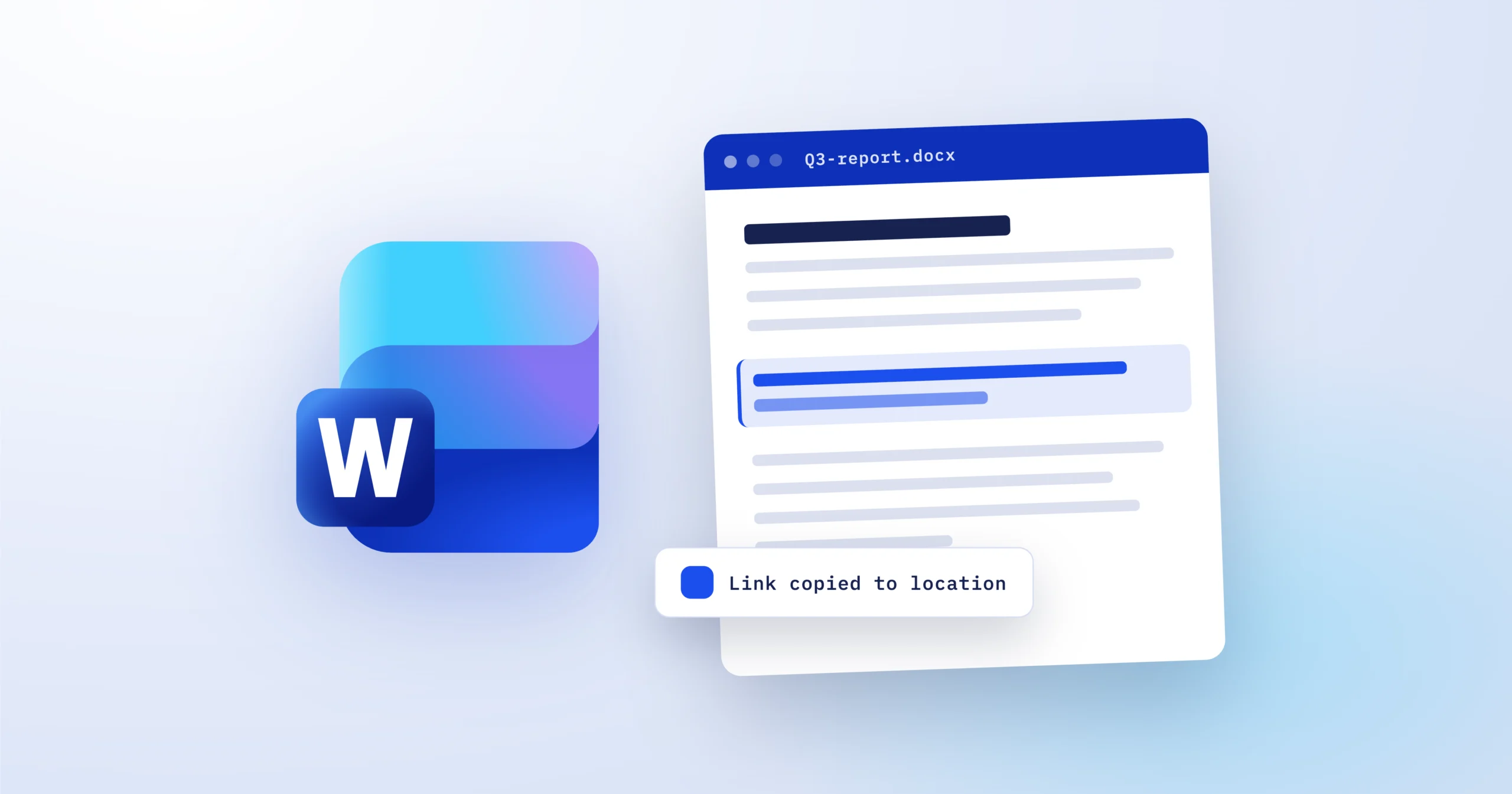
The feature works on any text, structured or not. Select the content you want to point at, right-click it, and choose Copy Link to Location from the context menu. Word generates a shareable link, and anyone who already has access to the document lands exactly on that selection when they open it. No bookmark, no heading style, no table of contents entry required.
That is the actual change here. Word could always point a reader somewhere, but only after setup: the old route, Insert then Bookmark, followed by Insert then Hyperlink and Place in This Document, still exists, and it still only targets the document’s own structure. The new option skips all of it and takes an ordinary paragraph in the middle of page 47 as a valid destination. Microsoft’s own framing of the problem is the review scenario: telling a teammate where to look in a long document, then waiting while they scroll to find it.
A few availability details are worth knowing before you go hunting for the menu entry. Microsoft has not given a completion date for the rollout, and it says availability can differ depending on the Microsoft 365 plan attached to your account, so two people in the same office may see it on different days. Neowin lists the minimum builds as Version 2605 (Build 20011.20000) or later on Windows, and its own testing found that Word for the web can open these links but cannot yet create them. Mac users need a current Microsoft 365 build as well, though Microsoft has not published an exact minimum version for that side.
The addition follows another linking change Word picked up earlier this year: pasting a copied URL directly onto selected text with Ctrl+V on Windows or Cmd+V on Mac turns that text into a link, without opening the hyperlink dialog. Taken together, the two changes move most everyday linking in Word onto the selection itself instead of a dialog box.
Using Copy Link to Location in Word
If you review long documents with other people, this is worth adopting the day it appears for you. Update Word through your normal Microsoft 365 channel, select any text, and check the right-click menu for Copy Link to Location. If the entry is not there yet, nothing is wrong with your install; the staged rollout simply has not reached your account, and there is no setting to force it. Comment threads and chat messages that currently say “see the third paragraph under the budget section” can carry a link instead, and the link keeps working even for readers who never touch the navigation pane. For more coverage of the tools in this space, browse our Productivity & Business section, or catch up on our report on the Windows 11 26H2 update.