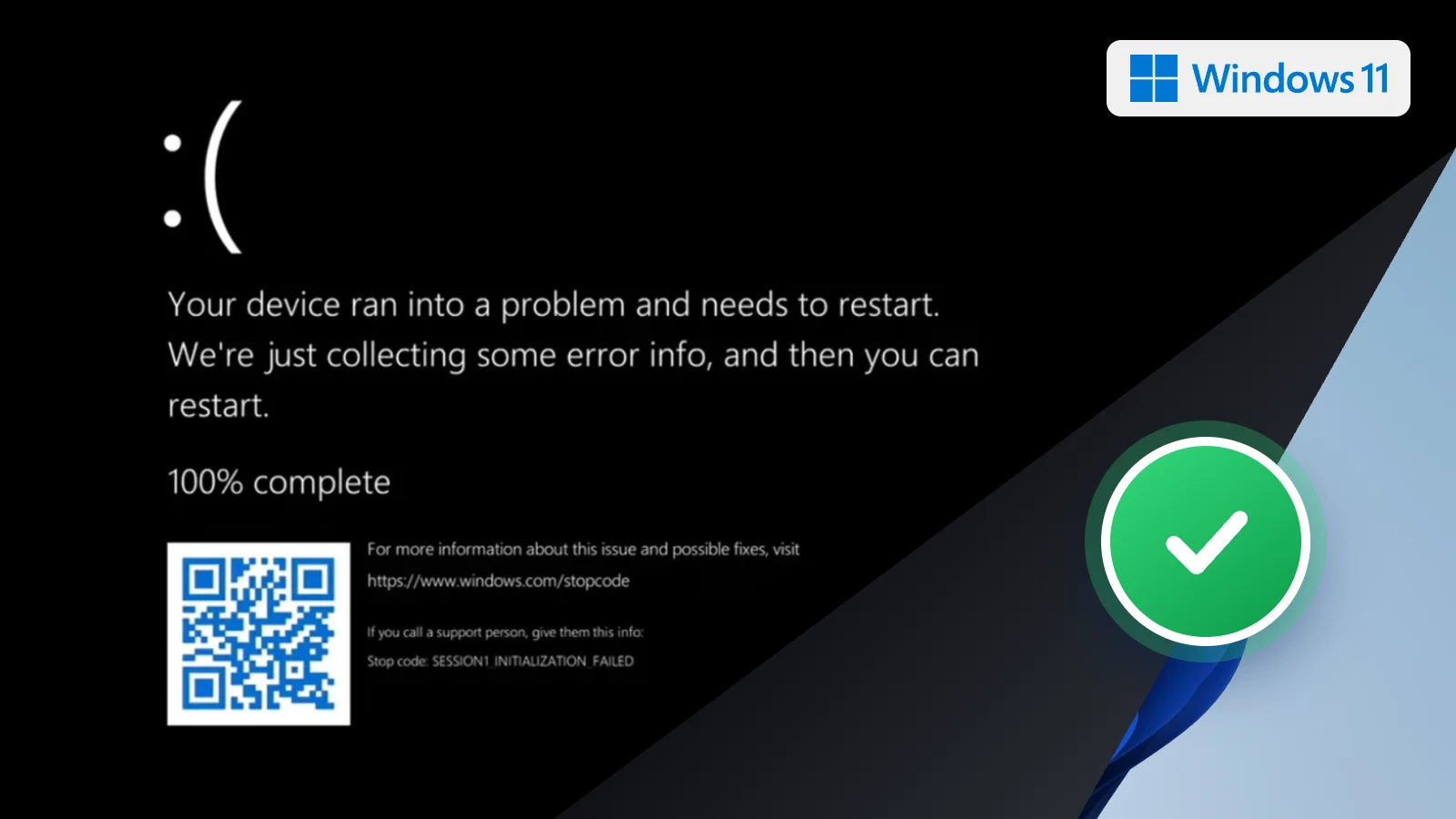
Microsoft’s October 13, 2026 Patch Tuesday updates for Windows 11 fix a bug that left some machines on a black screen after sign-in, with Explorer.exe failing to start or crashing over and over. The repair ships as KB5127648 for versions 24H2, 25H2 and 26H2, and as KB5127646 for version 26H1.
The trouble began with the August 27, 2026 non-security preview updates: KB5120998 on 24H2 and 25H2, and KB5120996 on 26H1. Every cumulative update that followed carried the same regression. Microsoft says it showed up mainly on Azure Virtual Desktop hosts using FSLogix, particularly with certain existing user profiles. The shell never loaded, and the application event log could show Explorer crashes.
After installing, the build numbers to look for are 26100.9711, 26200.9711 and 26300.9711 on 24H2, 25H2 and 26H2, and 28000.3231 on 26H1. Microsoft’s release notes file the Explorer entry as a known issue, now fixed. Windows 11 23H2 receives KB5126653 this month, and that version was not among the affected ones.
Until this week, affected users had two stopgaps. The quick one was manual: press Ctrl+Shift+Esc, choose Run new task, type explorer.exe and confirm. That brought the desktop back for one session and nothing more. Administrators could instead push a Known Issue Rollback policy through Group Policy, KB5124010 for 24H2 and 25H2 or KB5124006 for 26H1, which switched off the faulty change while Microsoft worked on a permanent fix. This update is that fix.
The October release clears a handful of other recent faults too. Always On VPN connections that stayed stuck on Connecting after September’s KB5124008 should connect again. Printing with RAW or Generic Text Only drivers, broken since the August security update, works again. The list also covers AC-3 audio playback in some apps, mouse stutter in some games, Windows Hello fingerprint sign-in failing after a cold boot, and tiered Storage Spaces Direct disks that refused to come online. On top of that sit the month’s security patches and the continued rollout of updated Secure Boot certificates.
What to do now
For a typical home laptop, this was probably never your bug. The reports center on shared virtual desktop hosts, not single-user PCs. Install the update anyway: open Settings, go to Windows Update and select Check for updates. It carries October’s security fixes, and on Windows 11 24H2 Home and Pro, Microsoft’s notes say it is the last update those editions will get, the cutoff we covered when 24H2 Home and Pro support ended.
If you manage AVD or FSLogix machines and deployed the rollback policy, roll the October update out first, then check Microsoft’s release health page before you retire the policy. And if a machine is so far behind that Windows Update keeps stalling, the Windows 11 download page has the genuine installation media for a clean upgrade.
Sources: