
Two renewal notices went out this year, and between them they changed the shape of this comparison.
The first arrived in January, tucked inside a Bitwarden blog post about new features, where a line near the bottom mentioned that Premium was moving from about ten dollars a year to just under twenty. The second arrived in February by email, when 1Password told subscribers their annual plan would cost twelve dollars more from 27 March. In Europe, that email came with a condition: approve the new price or the subscription cancels itself.
Meanwhile the Bitwarden free plan did not move at all.
That is the matchup as it stands in August 2026. Not Bitwarden against 1Password exactly, because 1Password has no free plan to put in the ring. What you are really deciding is whether zero dollars covers your life, or whether roughly forty-eight dollars a year buys enough polish to be worth it.
How we judged this matchup
Four things decide it, and we worked through them in this order: what each one costs after the 2026 increases, what the free plan genuinely covers, how the two security models differ and how each company answered bad news about its own product, and how much friction each one adds to an ordinary day.
One note on method, because it matters for what follows. This is research built on both developers’ current pricing and documentation, their published audit records, and independent security research presented at DEF CON 33. It is not a lab test, and we do not pretend to run one. Where the sources disagree, we went to the source that sells the product and read the fine print.
Price: the year both vaults got more expensive
Bitwarden raised Premium on 21 January 2026, from 9.99 dollars a year to 19.80. The Families plan went from 40 dollars to 47.88 for up to six people. The increase came bundled with real additions, including vault health alerts, password coaching, five times the attachment storage, and support for up to ten security keys. It also came with a 25 percent discount on the first renewal for existing Premium subscribers, some early Families accounts included, and a notice that reaches customers fifteen days before that renewal quoting a monthly figure rather than the yearly one.
1Password followed on 27 March 2026. The email that went out in February put Individual up from 35.88 dollars a year to 47.88 and Families from 59.88 to 71.88, twelve dollars on each. New customers can still start at a promotional 2.99 dollars a month for the first year of an annual plan, which makes the sticker look softer than the renewal will feel.
Check any comparison written before spring and you will find it quoting ten dollars against thirty-six. Those numbers are gone. The gap between a paid Bitwarden and a paid 1Password is now roughly 28 dollars a year, not 26, and the gap between free Bitwarden and 1Password is the entire 47.88.
If you subscribe to 1Password from Europe or another region with similar consumer rules, the March 2026 price change needs your active approval. Ignore the email and the subscription cancels rather than renewing.
What Bitwarden’s free plan really includes
Two claims about this plan are circulating and both are wrong. The free tier is not capped at two devices, and it did not lose features in 2026. The January changes added things to the paid tiers; the free line has not moved.
Here is what free gets you: unlimited logins, notes, cards and identities, synced across unlimited devices, with apps for browsers, desktop, mobile and the web. Passkey storage. The password generator. Bitwarden Send for handing someone a credential that expires. Encrypted export. A breach report for your usernames. And one free organization, which lets you share vault items with exactly one other person.
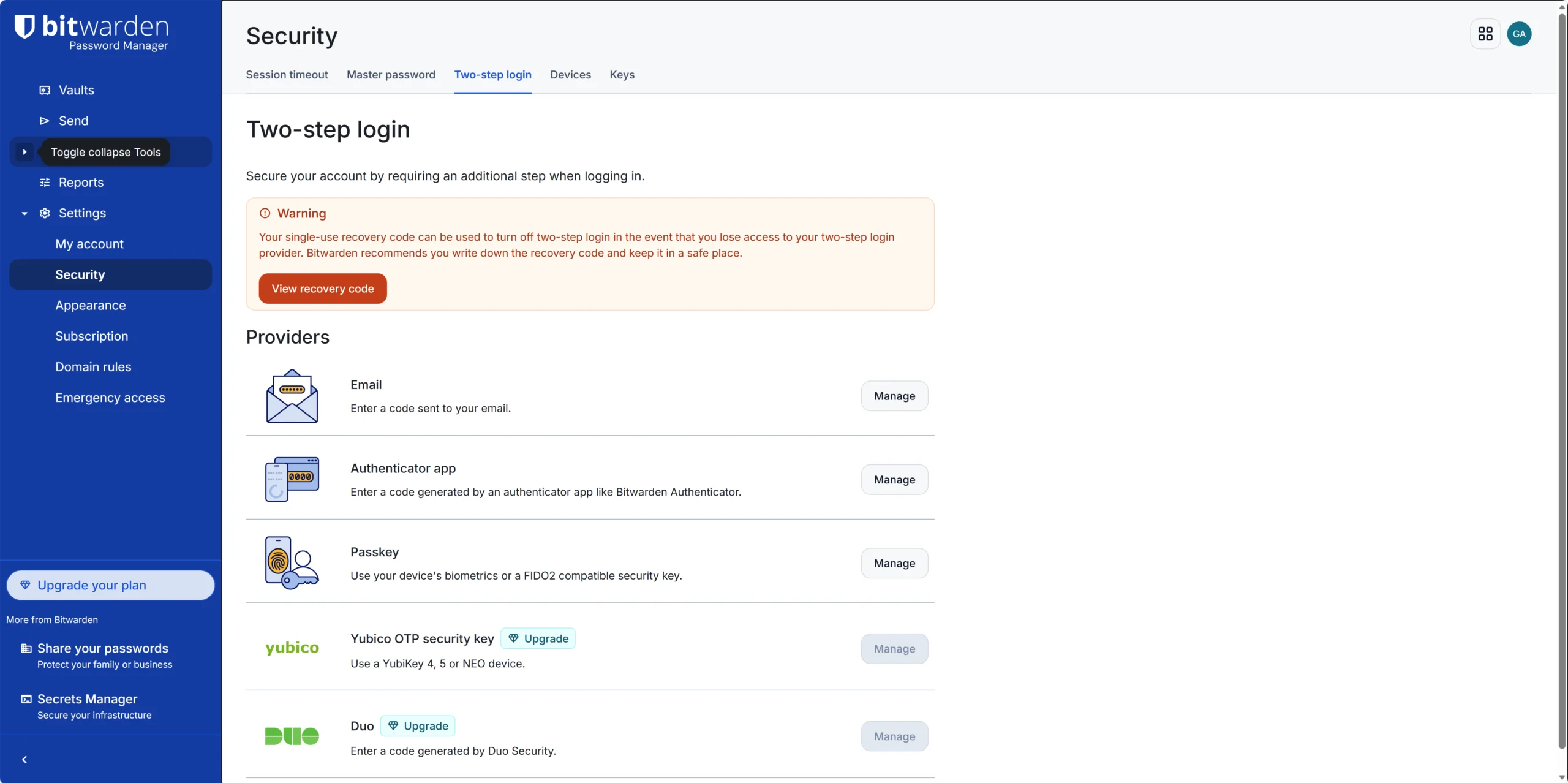
What free does not get you: codes (TOTP) generated inside the vault, encrypted file attachments, emergency access for a trusted contact, the vault health alerts, and hardware keys for two-factor login.
That last one has a trap in it. Bitwarden’s own pricing page lists advanced two-step login under the core features included in every account, and then, in the table directly below, puts YubiKey and the other hardware options in the Premium column. You only notice when you go hunting for the security key setting and find it locked. On free, two-factor means an authenticator app or an email code.
| Feature | Bitwarden Free | Bitwarden Premium | 1Password Individual |
|---|---|---|---|
| Price per year | 0 USD | 19.80 USD | 47.88 USD |
| Logins and devices | Unlimited | Unlimited | Unlimited |
| Passkey storage | Yes | Yes | Yes |
| TOTP codes in the vault | No | Yes | Yes |
| Encrypted file storage | None | 5 GB | 1 GB |
| Vault health alerts | No | Yes | Yes (Watchtower) |
| Open source clients | Yes | Yes | No |
| Free plan without a time limit | Yes | n/a | No, 14-day trial |
Prices and plan contents checked in August 2026.
Two ways to build a vault: open source against the Secret Key
On the fundamentals these two are level. Both encrypt with AES-256 under a zero-knowledge model, both hold SOC 2 Type 2, both commission third-party security work every year, and no breach of either vault has been reported.
They diverge on how they earn your trust. Bitwarden publishes its clients as open source on GitHub and publishes the audit reports beside them, from firms including Cure53 and Insight Risk Consulting, and it lets you host the server yourself if you would rather not trust anyone’s cloud. The argument is verifiability: anyone can check.
1Password’s argument is architectural. Alongside your master password sits a Secret Key, a long random string generated on your device and never sent to the company. Someone who steals the server-side data still cannot open your vault, and a weak master password is no longer the single point of failure. It is the strongest reason to pay, and it is also one more thing you can lose. Print the emergency kit and put it somewhere real.
The clearest difference in character showed up in how each one answered bad news. At DEF CON 33, researcher Marek Toth demonstrated a clickjacking technique against password manager browser extensions that could pull credentials, card details and codes from a single misplaced click. Bitwarden shipped a fix in extension version 2025.8.0. 1Password classified the report as informative, argued that the underlying flaw belongs to how browsers render pages and cannot be fully solved by an extension, and added a confirmation prompt for card fields while declining one for personal details after user feedback. Both positions are defensible. Only one of them ended in a patch.
Autofill, sharing, and the daily friction
This is where 1Password takes its clearest win, and it is not close. Its autofill lands where you expect it, its onboarding walks a non-technical person through setup without help, and Watchtower keeps nagging about reused and exposed logins in a way people act on. Travel Mode, which hides selected vaults until you turn it back on, has no equivalent on the other side.
PCMag lowered its rating from five stars to four after the Bitwarden browser extension failed its form-filling tests, and reviewer after reviewer describes the autofill as something you configure rather than something that works untouched. The picture that emerges is a filler that handles most sites and then, on some, does not. If you are the household’s technical support, that is a tolerable afternoon. If you are setting this up for a parent, it is a support contract you just signed.
Sharing is the other rough edge. Paying for individual Premium does not unlock general sharing at all, which surprises people. Sharing with one person runs through the free organization; sharing with a household means Families at 47.88 dollars, the same as one seat of 1Password. Bitwarden’s organizations and collections work, but you set them up like a small administrator, not like someone sharing a Netflix login.
The verdict, and who should still pay 1Password
Bitwarden wins, because it is the only one of the two that answers the question this article asks: for one person who wants strong unique passwords on every device, free is genuinely enough, and the paid step up is still less than half the price of the alternative.
Three kinds of reader should still pick 1Password. The first is the household with members who will abandon anything that asks a second question, and there the quieter autofill and the easier recovery are worth the fee. Anyone who suspects their master password is weaker than it should be belongs in the second group, because the Secret Key covers that exact weakness better than anything on the other side. The third is the reader who has been putting this off for years and needs the version that offers the fewest excuses to quit.
Free stops being enough at a clear line: the day you want your two-factor codes in the same vault, a hardware key on your login, files attached to entries, or a trusted contact who can reach your vault if you cannot. At that point Bitwarden Premium is 19.80 dollars and still costs less than half of a 1Password seat. That is the upgrade to make before you consider switching sides.
Both are on Softoto, so start where you like: the Bitwarden download page is where we would send most readers first, and the 1Password page is a fair place to spend money if the paragraphs above described your house. If you are still deciding whether any of this is worth the effort, our case for using a password manager at all covers the ground first, and what AES-256 actually protects you from explains the encryption both vaults lean on.
One thing worth watching over the next year. Free tiers across this category are quietly thinning, with rivals trimming device counts or replacing free plans with trials outright. Bitwarden’s free line has held so far, but the January increase showed where the company’s attention is going, and the phishing blocker it promised has been announced for paid plans only. If that pattern continues, the question in this title gets harder to answer, and the honest answer today is the answer for today.


